
Contact us  |  English (change language)
 
QUICK3DPLAN MAIN FEATURES

Quick3DPlan® is the quickest and easiest design program available. You won´t believe how easy it is to use. It even has an autofill wizard if you choose to place your cabinets and appliances automatically.
Main Features
Design quickly and easily with Quick3DPlan®.
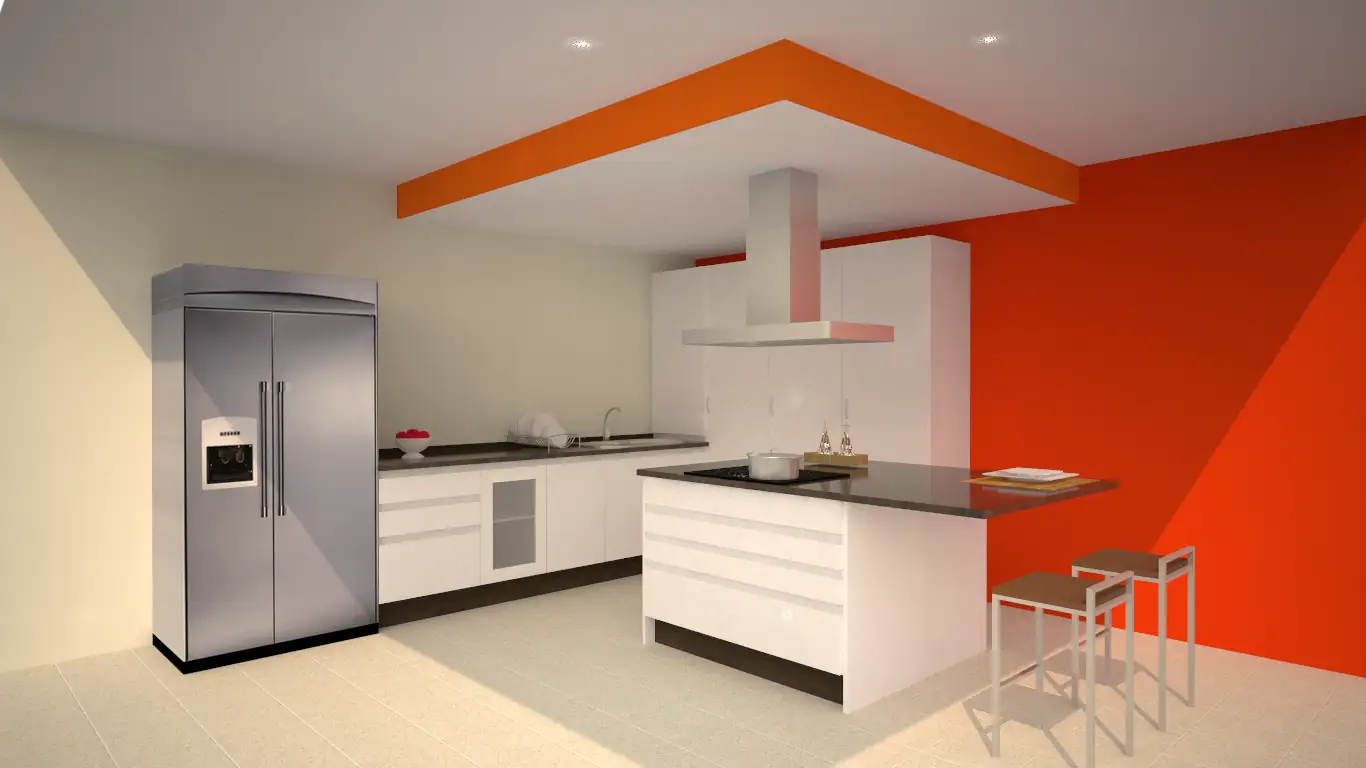
You can design in 2D or 3D with Quick3DPlan®, AND GO BACK and forth between the two. It generates a floor plan with dimensions or 3D perspectives with finishes and lighting.
Achieving the perfect perspective is simple using the mouse to move around the kitchen. Every perspective can be saved.
You can select from many available room shapes and change the dimensions, or you can draw your own walls of any length or angle. You can also insert columns, knee walls, doors, and windows of any dimension.
Quick3DPlan® has an extensive universal catalog of more than 3000 cabinets, 18 door styles and 12 door pulls.
Cabinet dimenions can be modified before or after placement in a design. You can select the door and pull models for a specific cabinet. Crown molding and light rails can be placed on wall cabinets and countertops, backsplashes and toe kicks on base cabinets.
There are 21 cabinet and door finishes including wood and colors, and 33 countertop finishes such as marble, granite, stone, wood and colors.
Quick3DPlan® includes appliances such as refrigerators, faucets, sinks, hoods, washer-dryers, dishwashers, ovens and microwaves. These dimensions can be changed before insertion.
When you are finished with the design, Quick3DPlan® will generate a list of cabinets, appliances, countertops and moldings, including the cabinet reference numbers, descriptions and dimensions. You can open or export this list with Excel® or Estimate 4.

  Go back to Products
 

© Quick3DPlan is a trademark of Microcad Software. All rights reserved.